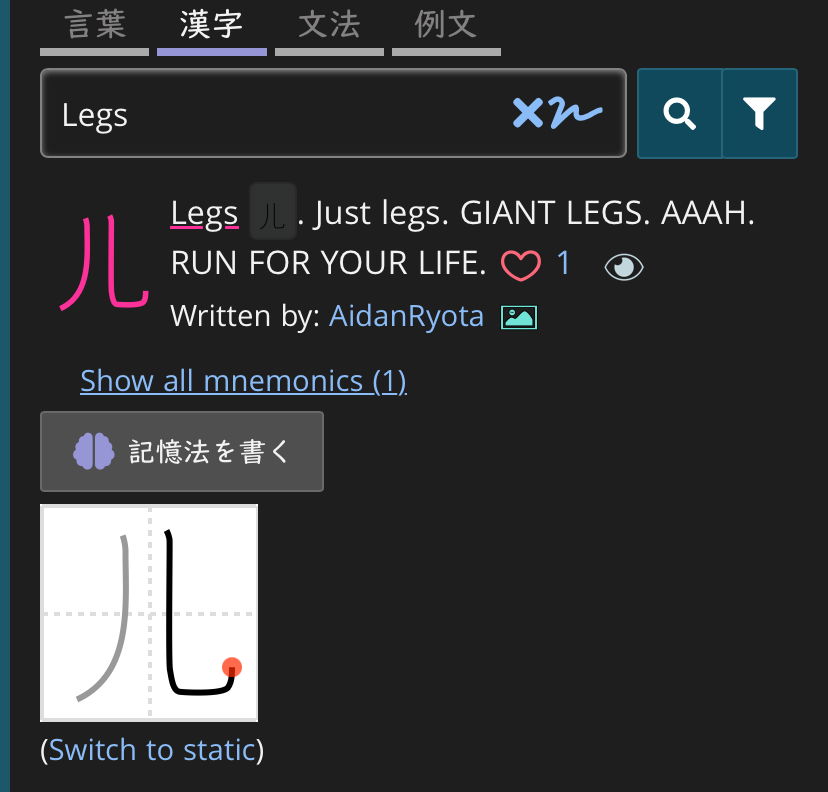
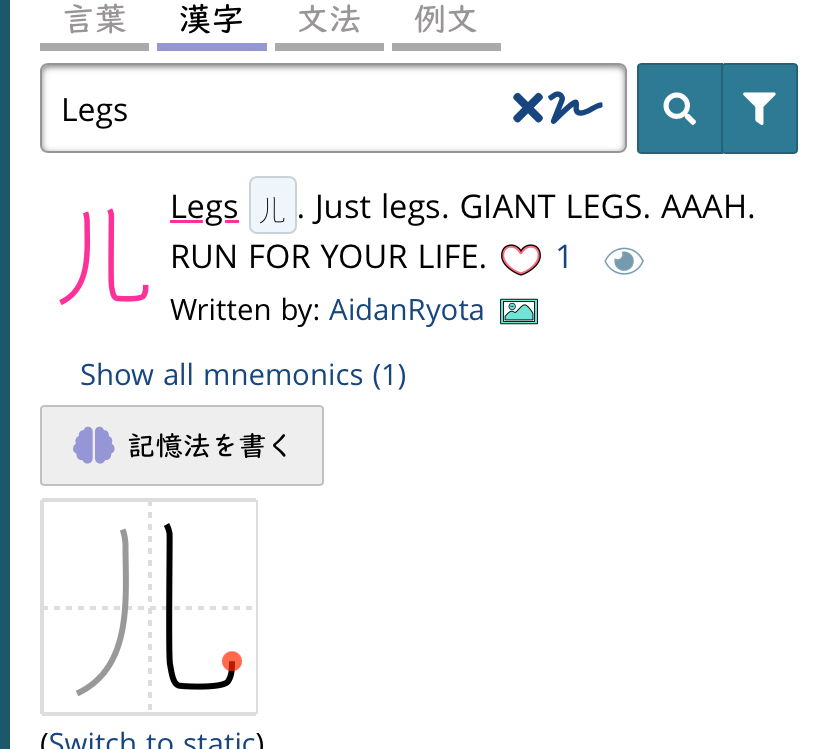
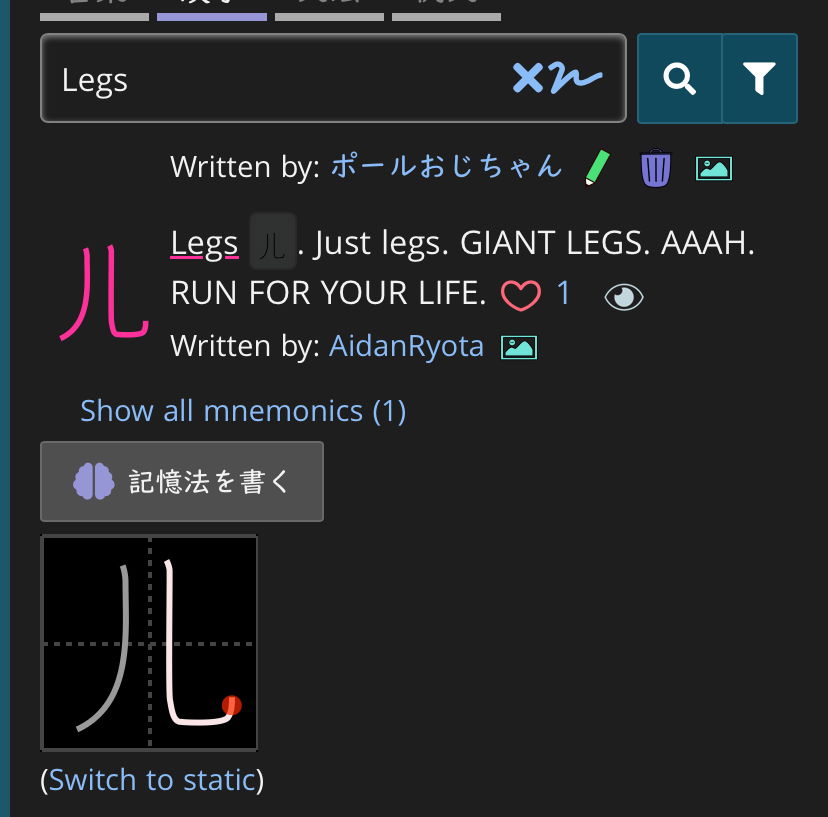
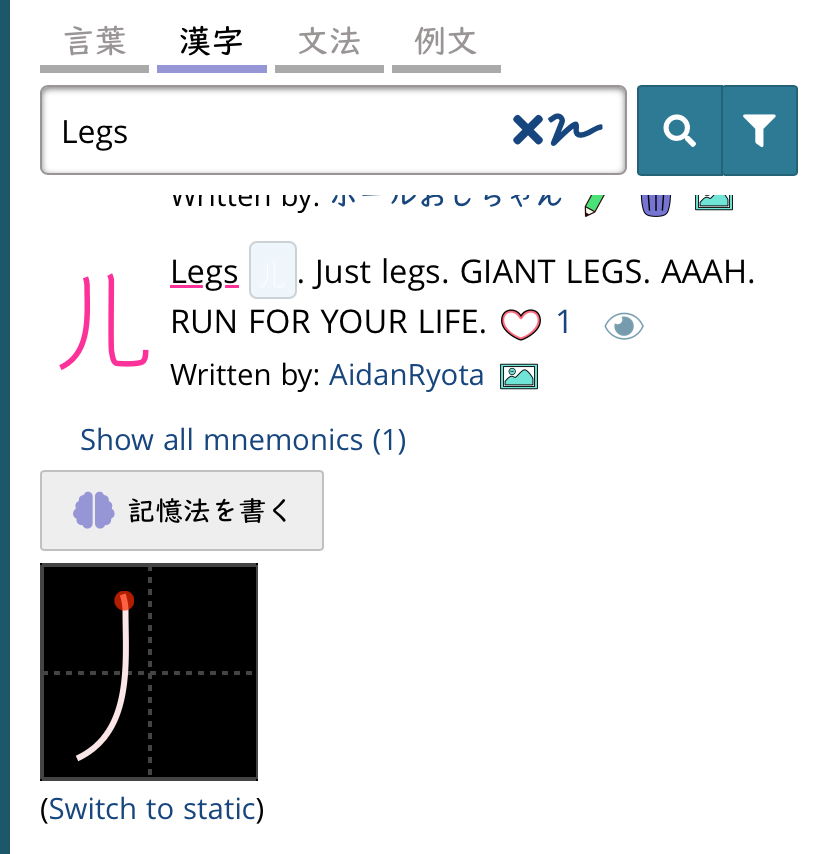
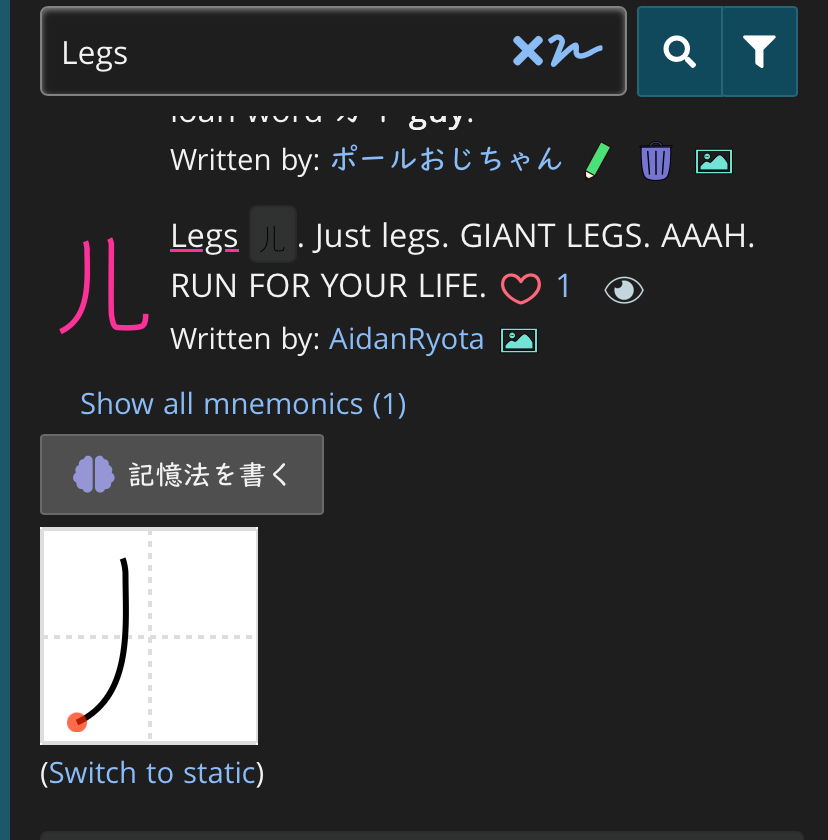
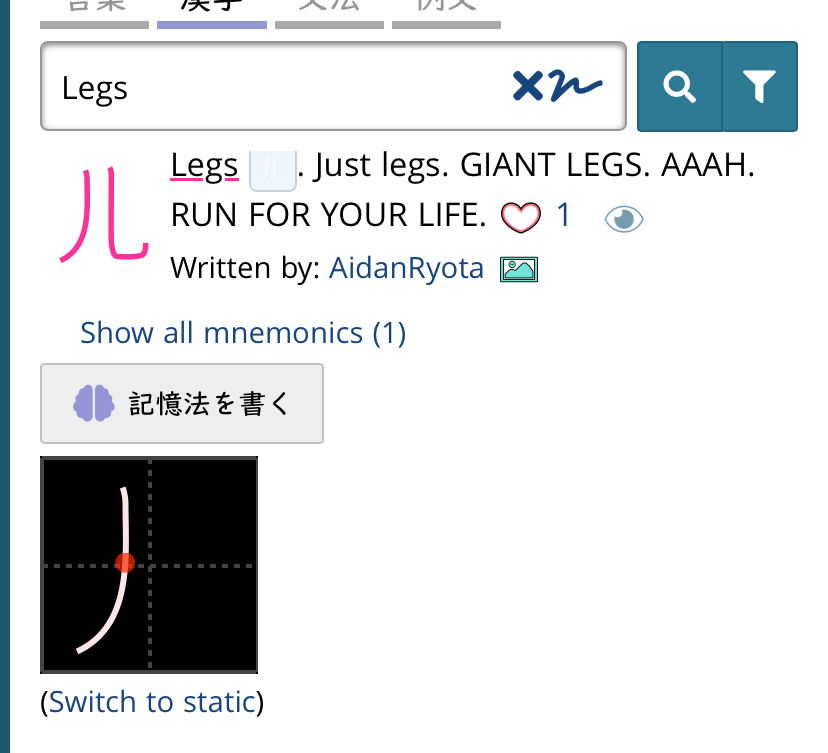
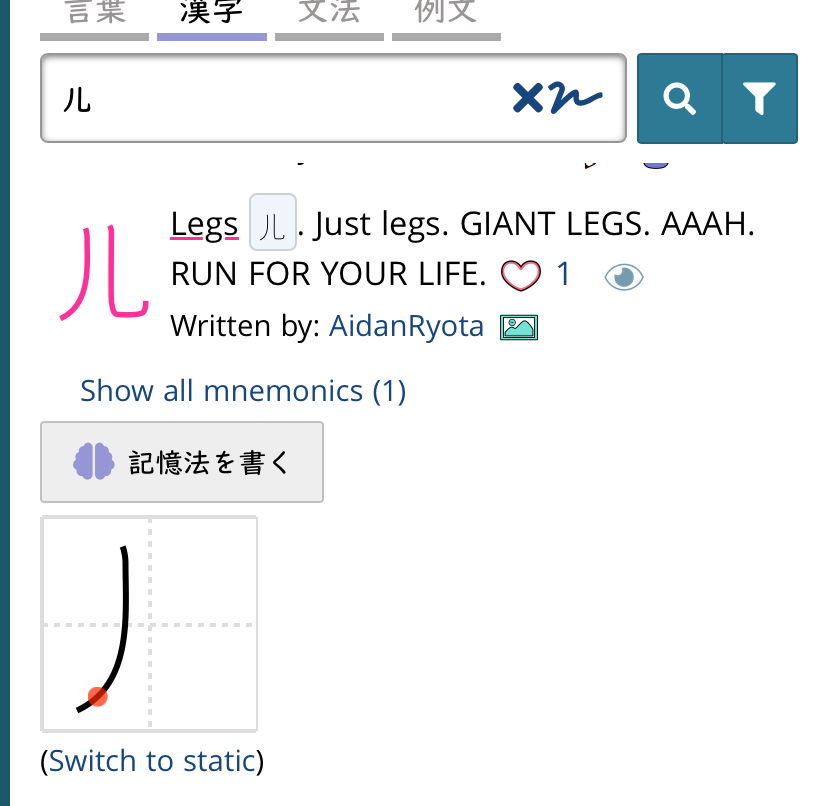
I’ve been using this for a couple of days now and it works great. The only issue I see is with drawn kanji in mnemonics and stroke order diagrams. These are old issues, but with the display flipping back and forth twice a day they become more noticeable.
They never seem to catch up with the latest setting. So we get black lines on a black background or white lines on a white background in mnemonics. Plus, the stroke diagram is white when it should be black and vice versa.
The system preference lives just inside of the webpage, but doesn't report to the server. However, those images are generated server-side, so the preference it not reaching back there. I'm sure there is a way to fix it, but need to think on the best way to do it without excess calls to the backend.
I’ve left the settings unchanged since I enabled the experimental feature. Switches between light and dark are automatic (that’s why there’s at least half a day between reports).
I’ll experiment with refreshing the options and see what happens.
EDIT: I’ll have to do that experiment later. It’s already fixed itself.
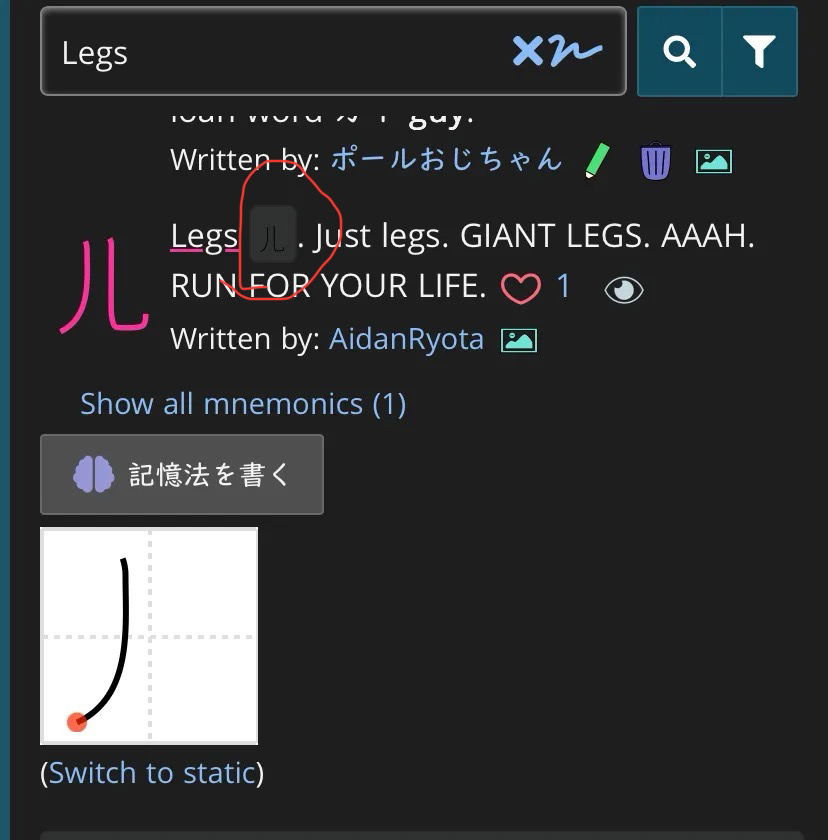
One minor thing I’ve noticed. If a mnemonic is created (or edited, I think) when the device is in dark mode, any drawn characters are initially black lines on a black background. I think it’s using the account setting (currently not dark for me) instead of the device setting, but I haven’t tested all the possible combinations.
System preference, system currently in dark mode, right?
Now, when you say drawn characters, are you referring to the ones that pop up AS you are constructing the mnemonic, or after you press "save" and it it adds the mnemonic to the list?